Coaches see one thing: their own team. Not the club's other teams, not another coach's roster. Here is every screen you get, and what each one decides.
Your console, tab by tab
Coaches see one thing: their own team. Not the club's other teams, not another coach's roster. Everything below is scoped to the team you were assigned.
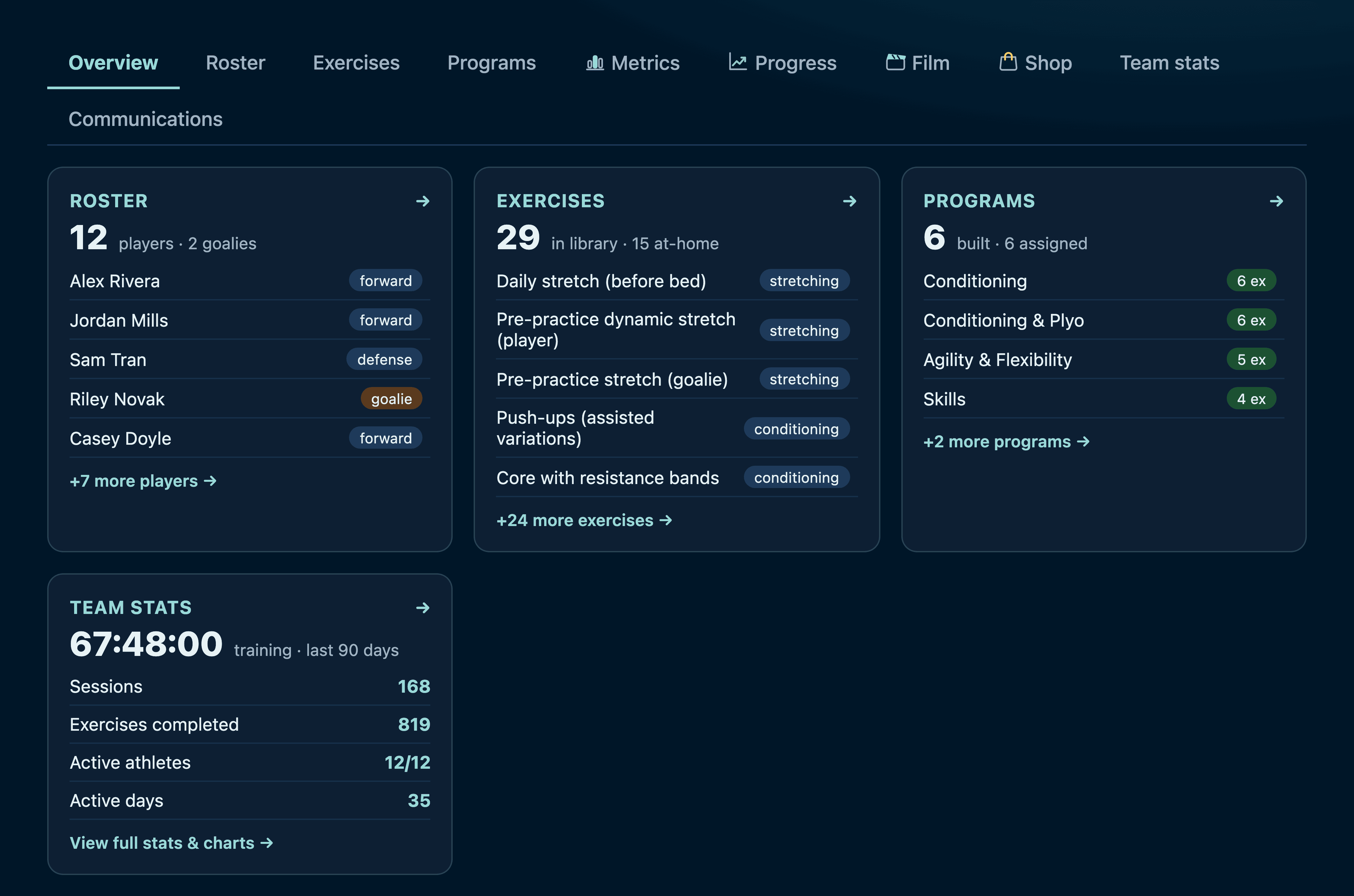
The overview answers “is this working?” before you click anything — roster size, what's in your library, how many programs you've built, and the team's training total.
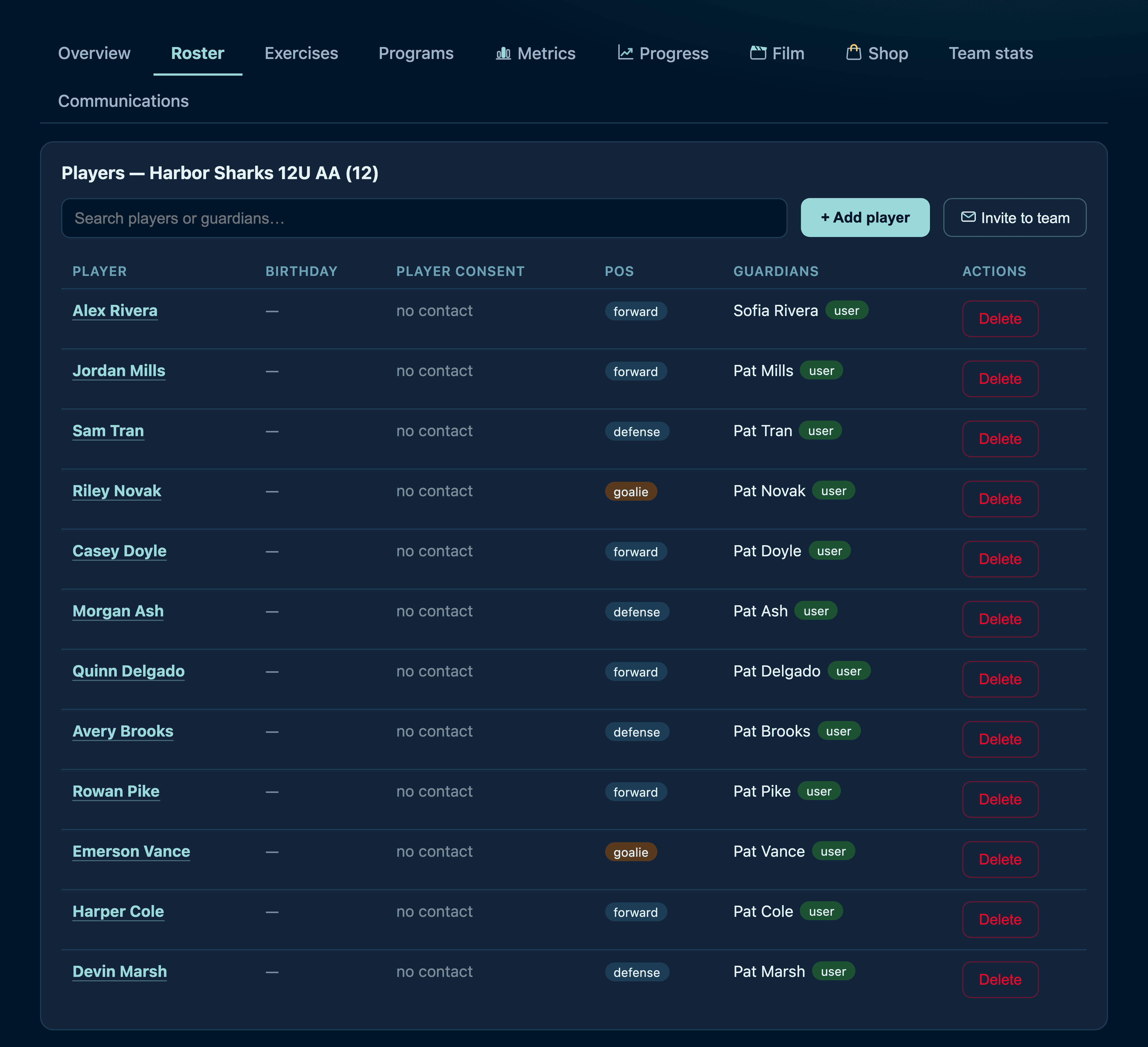
The roster is yours to run
Scroll inside the frame · Add players, set positions, and link guardians — up to four per athlete, so both households stay in the loop. Players and parents manage their own accounts; you manage the team.
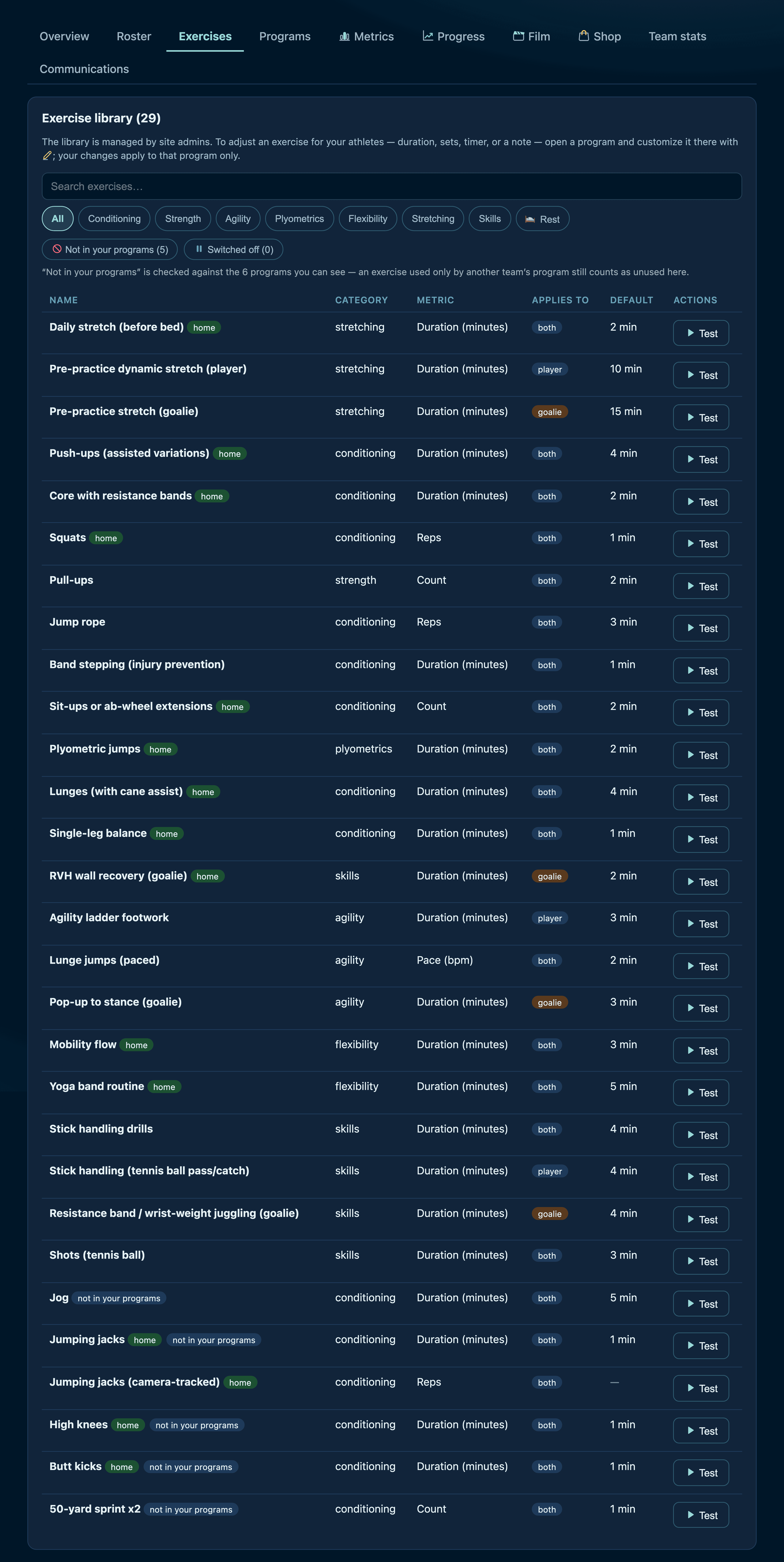
Exercises: the detail lives here
Scroll inside the frame · Every exercise carries its own description, demo video, equipment and — where it applies — its camera settings. This is where you decide what “a rep” means for your age group.
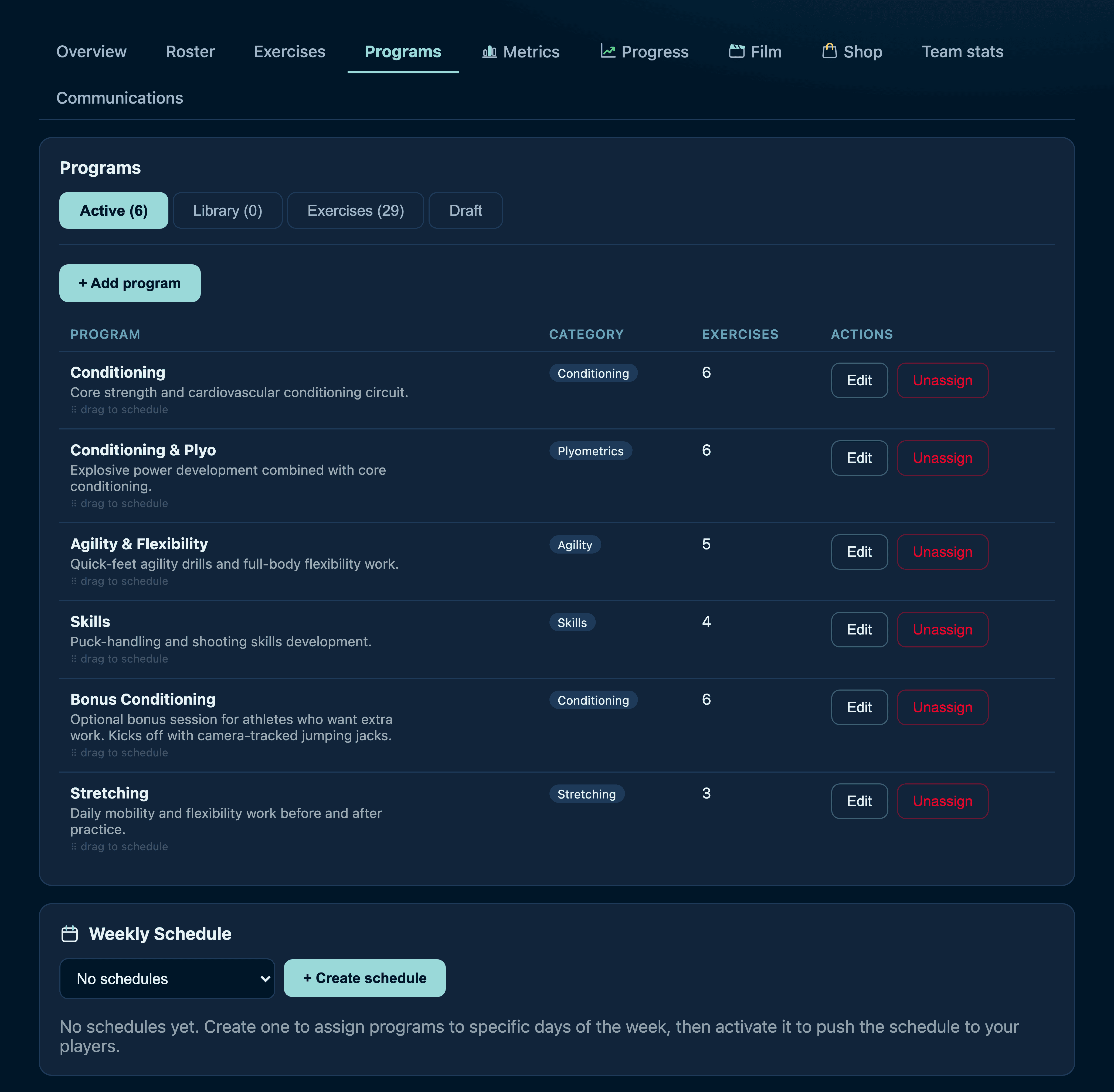
Programs, then the week
Bundle exercises into programs — Conditioning, Agility, Skills — then lay those programs onto the days of the week. That weekly plan is what gates your players' day.
Missed days don't just vanish
If a player skips Tuesday, Wednesday stays locked until they catch up. It is a deliberately gentle rule — the week resets every Sunday, so nobody is ever more than a few sessions behind.
Testing at practice
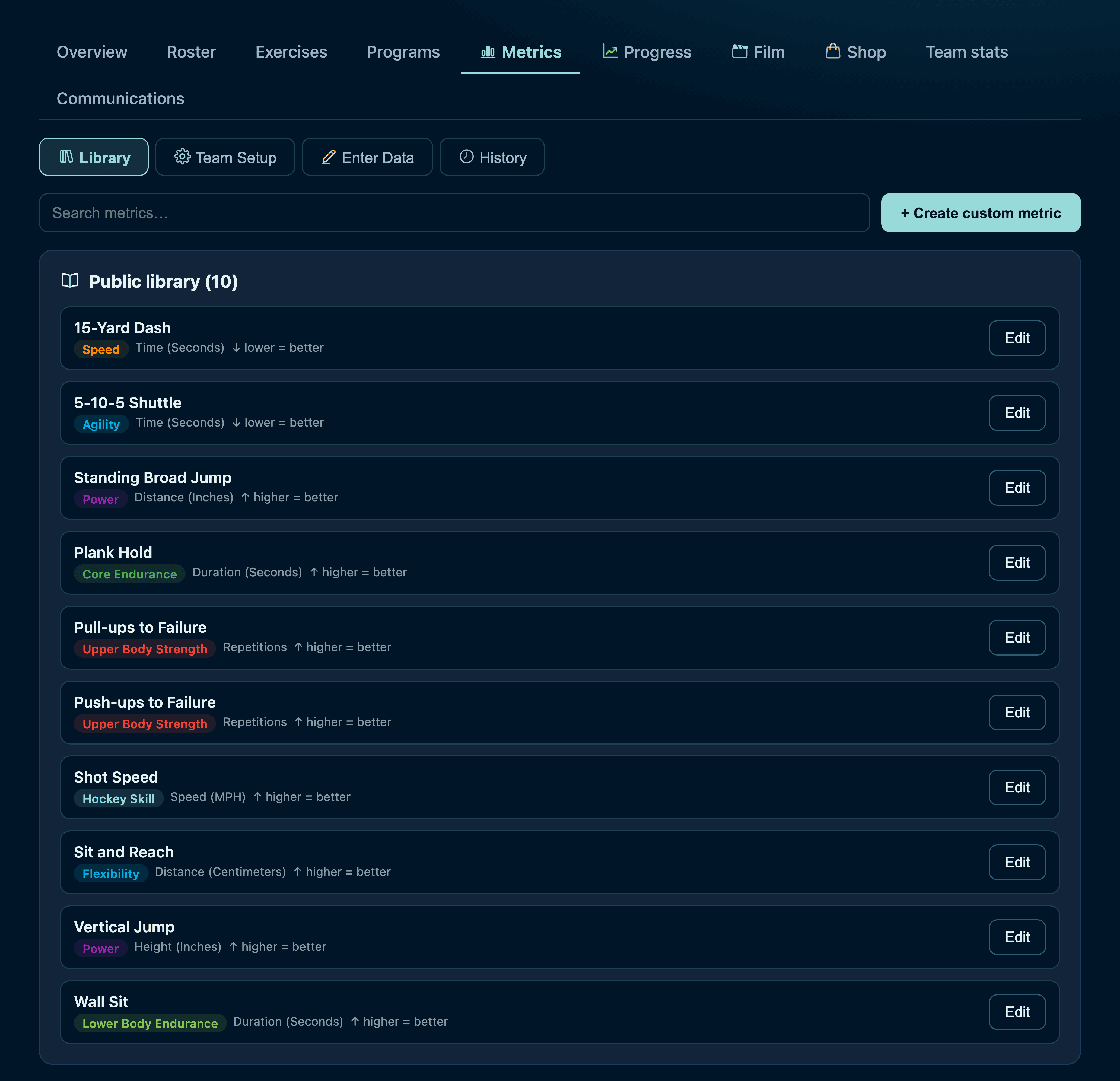
A library of standard tests — 15-yard dash, vertical jump, plank hold — or invent your own. Enter results after practice and they feed each athlete's progress charts and the team's records.
What lands in families' inboxes
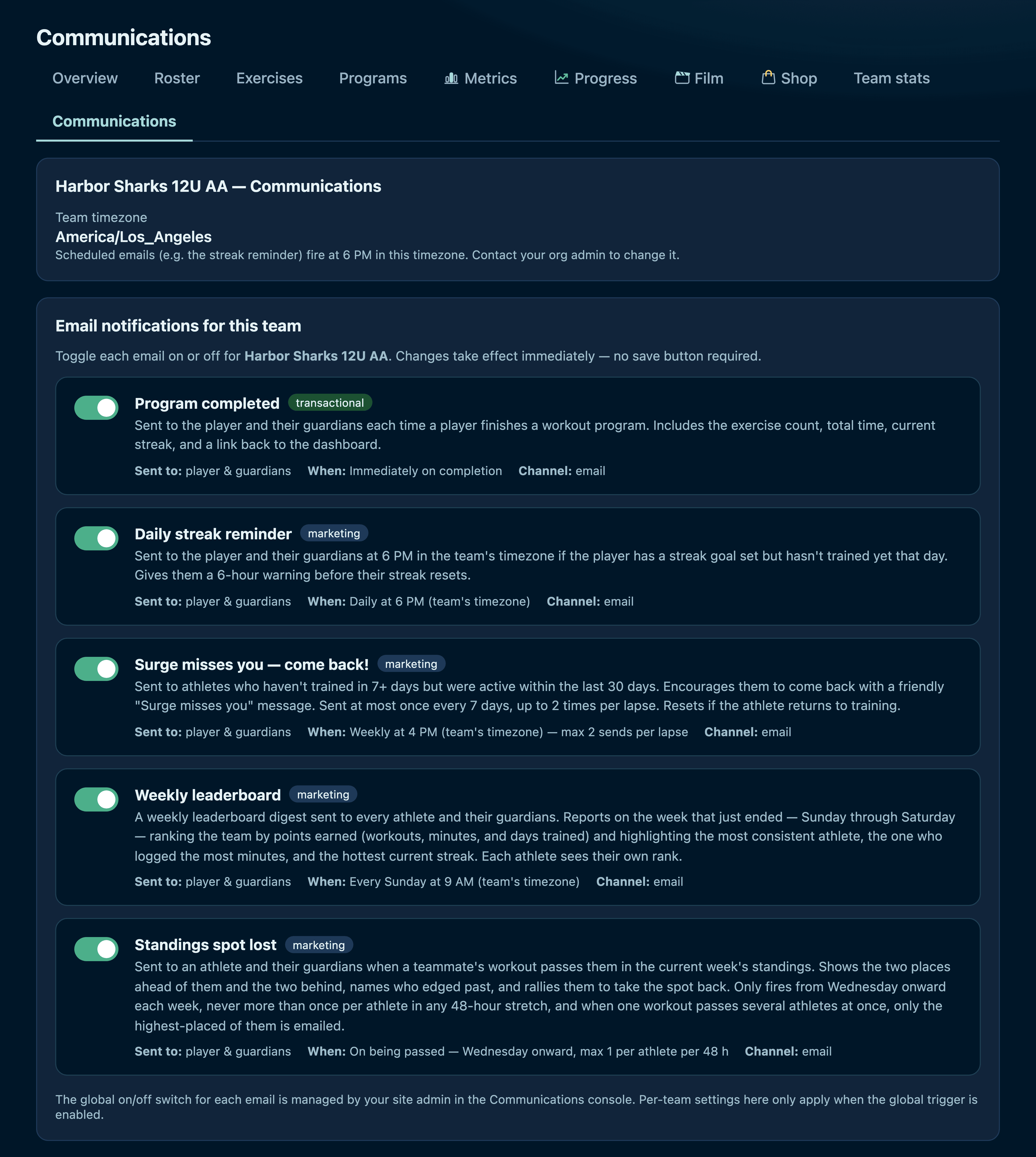
Scroll inside the frame · Every automated email is a switch you control for your team: workout confirmations, streak nudges, come-back notes, standings alerts, the Sunday digest. Turn off what you don't want sent.
Video, and a shop you stock
Film
Assign video — skill teaching, opponent scouting, a clip of their own shift — and see who has actually watched it.
Team Shop
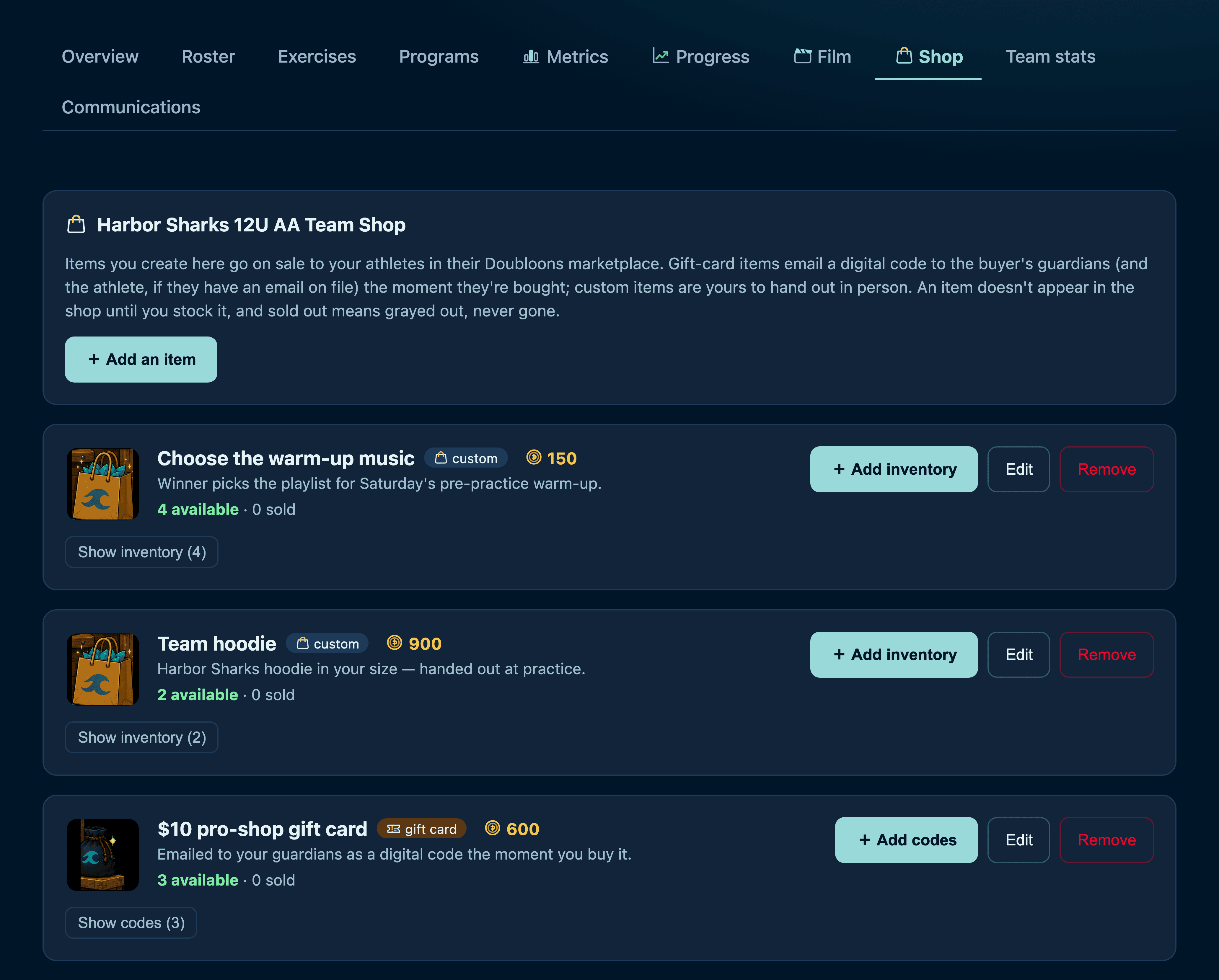
Stock real rewards your players buy with the Doubloons they earn. Gift cards email a code; anything else you hand over at the rink.
Three items a coach stocked: picking the warm-up music, a team hoodie, a pro-shop gift card. You set the price in Doubloons and how many exist.
The short version
You set the strictness on an exercise
A rep only counts at the range of motion you asked for.
You lay out the training week
Their dashboard opens on today's program, ready to start.
You choose which emails go out
Families get exactly the ones you left on, and nothing else.
You stock the team shop
Doubloons turn into something real at your rink, priced by you.
You run a test at practice
Their progress chart gains a data point and the team gets a record to chase.
Want to try it with your own team?
The quickest way to judge it is to run one week with a handful of players. Get in touch and we'll set your team up — roster, your programs, your weekly plan.