DEEP SEADry Land

A tour for coaches

Dryland training your players actually do

Deep Sea Dry Land is off-ice training for youth hockey — you set the week, your players train at home, and everyone can see it happening. Ten minutes here, including an exercise you can run right now with your own camera. No account, no install, nothing saved.

A young hockey player mid jumping-jack in her living room, a phone propped on books in front of her

Five steps, and the fifth feeds the first
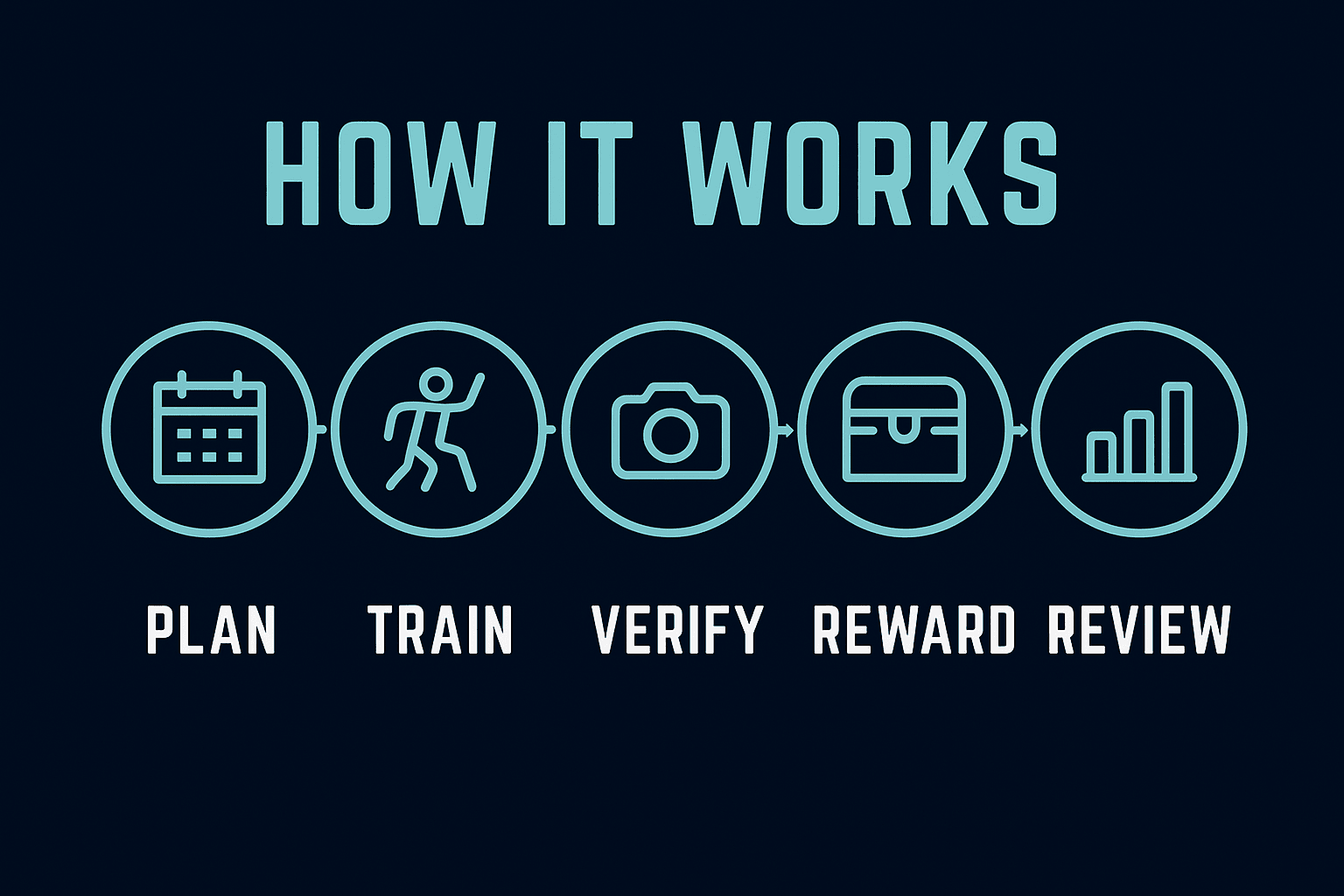
How Deep Sea Dry Land works: plan, train, verify, reward, review — and what you see in review shapes the next week's plan.

You lay out the week. Your players train at home, one exercise at a time. The camera counts the reps on the exercises that suit it. Points, streaks and treasure keep them coming back. And what you see at the end of the week is what you change at the start of the next one.

9
exercises the camera can count and check
29
dryland exercises in the starter library
4
guardians per athlete, with full access to their own child
0
frames of camera video ever uploaded, recorded or stored

Pick a thread

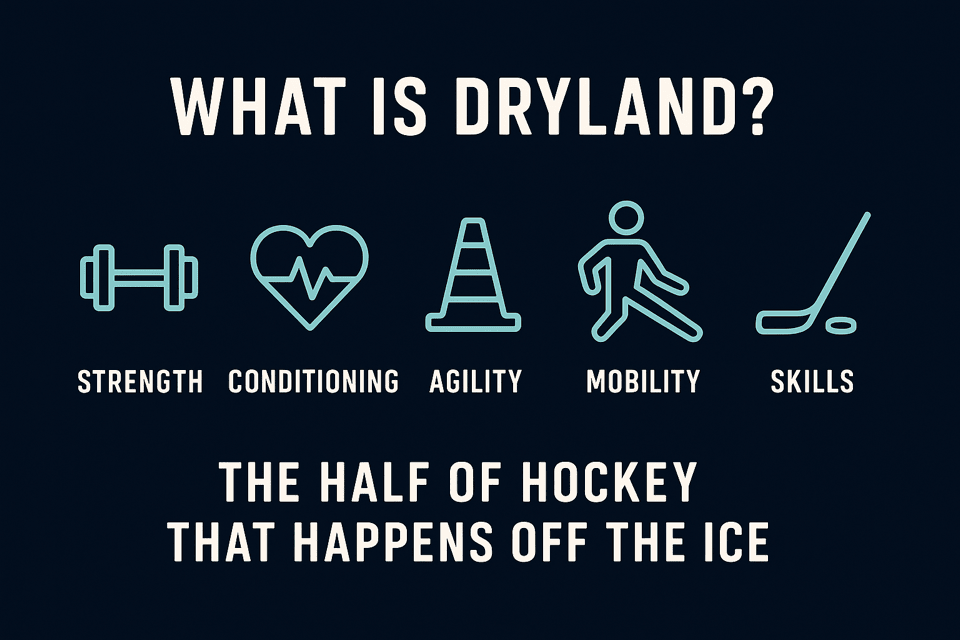
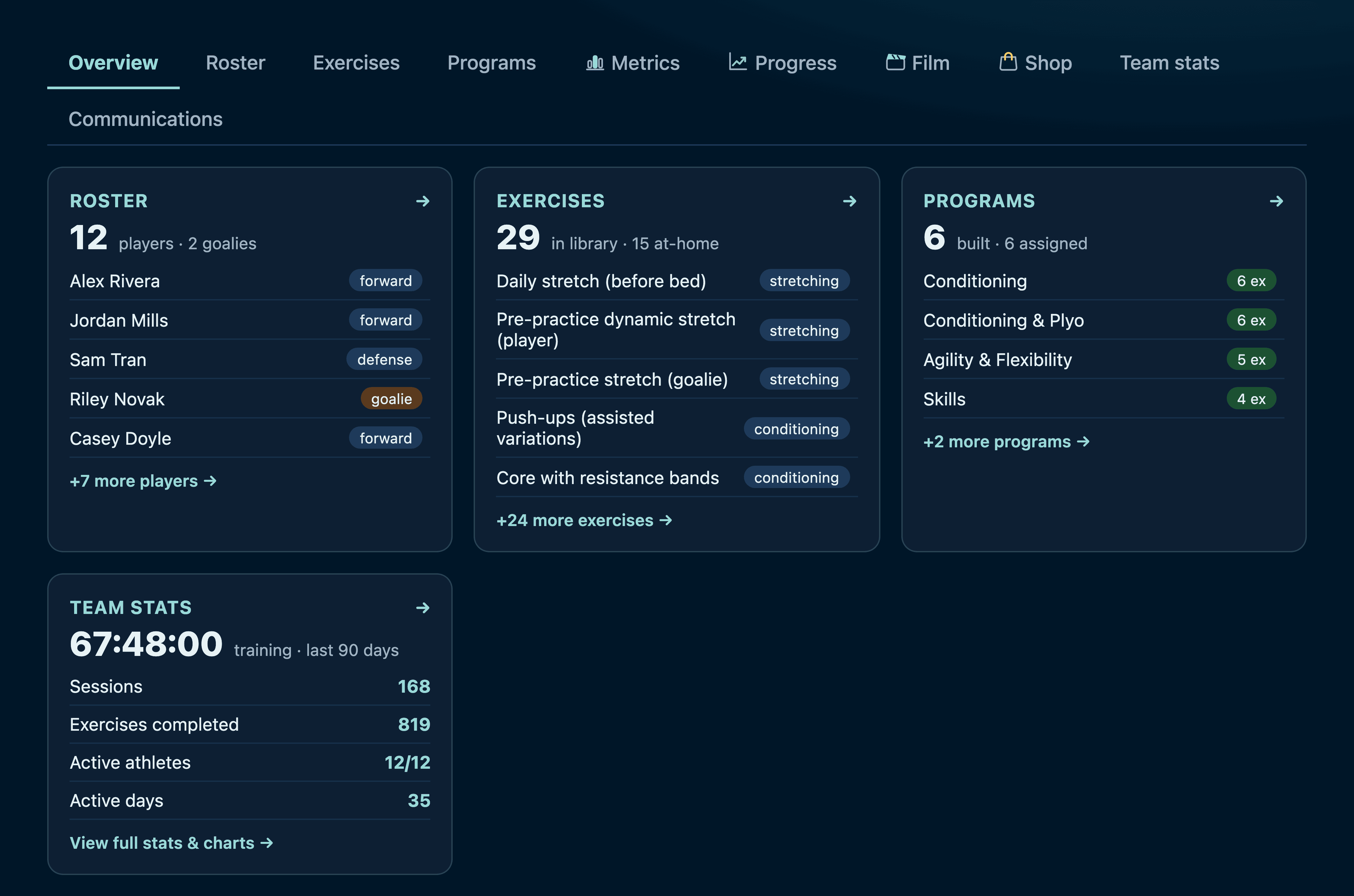
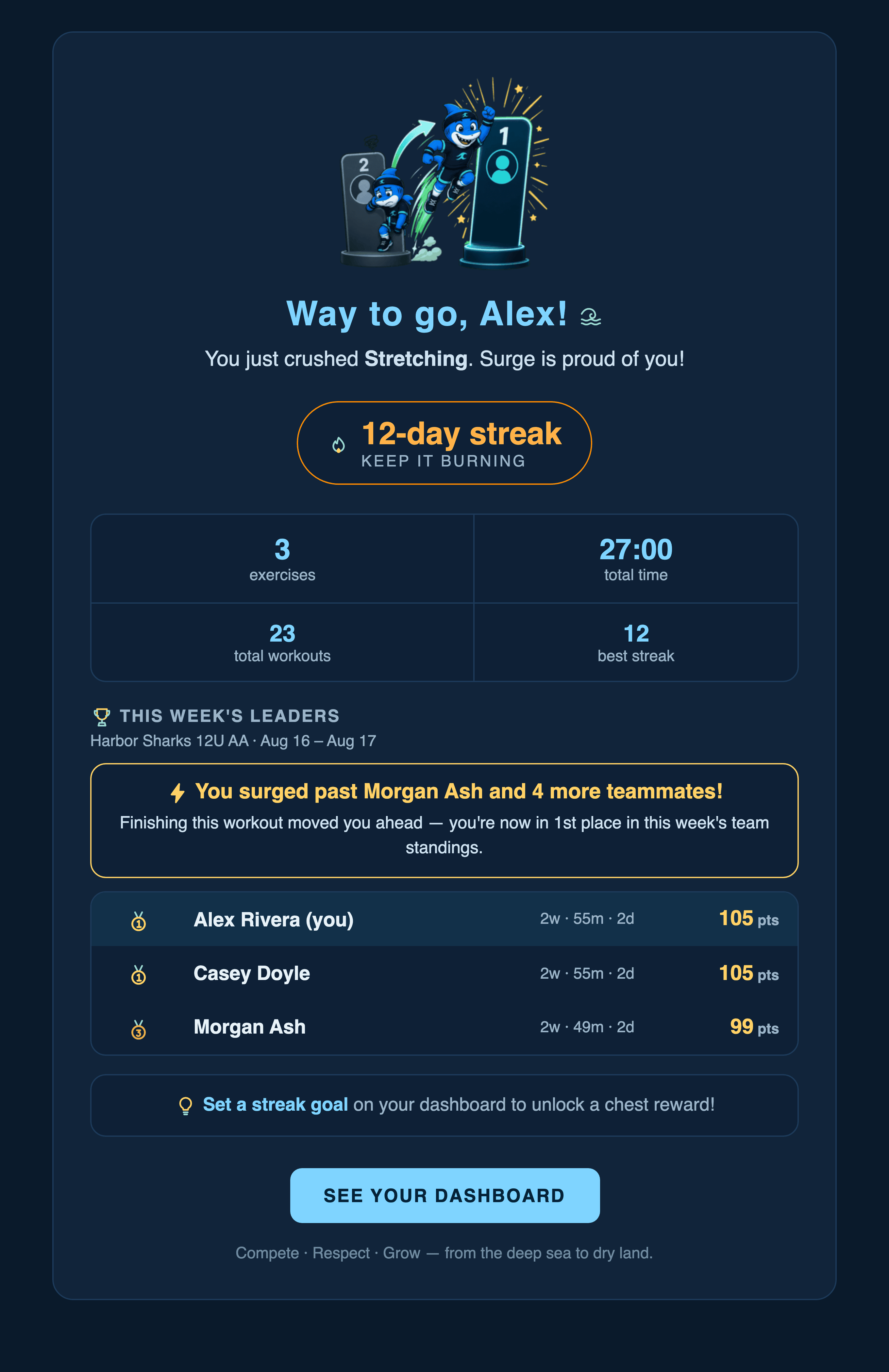
Diagram: the five parts of dryland trainingStart hereWhat dryland is, and why it mattersThe half of hockey that happens off the ice — and what the evidence actually supports, hedged to the grade it carries.A player mid push-up with a tracking skeleton drawn over himHands onTry an exercise, right nowThe real rep counter, running in this page, using your own camera. No account, and nothing is saved.The coach console overview screenFor youWhat you controlYour console tab by tab: roster, exercises, programs, the weekly plan, testing, communications and the team shop.A coach and two players looking at a tablet togetherFor youThe film roomTeaching clips for the team, private clips for one player — and the control that decides who reads the comments.Four teammates doing dryland training together, laughingFor themWhy they keep goingPoints, streaks, leaderboards, treasure and records — the engine that gets a kid off the sofa in February.The workout email a player and their guardians receiveFor familiesEmail, parents & safetyEvery automated email, what a parent can see of their own child, and exactly what happens to the camera.

Try it

Sonar — the camera counts the reps

This is the real thing, not a video of it: the same rep counter your athletes use, running in this page. Pick an exercise, choose how strict the check should be, set a target, and hit start. Your browser will ask for camera permission.

What happens to the video: nothing
The camera never leaves your device. There is no upload, no recording, and no account attached to this page — the picture is processed in your browser and thrown away frame by frame. During a real workout the app even hides the picture by default, so an athlete sees only their own skeleton.
1 · Pick the exercise
2 · How strict?

Counts the movement generously. Good for the youngest groups.

Jumping JacksFace the camera; keep your whole body — hands and feet — in frame.Face the camera

Most of the library isn't camera-countable — stick handling, band work, balance drills. Those the athlete does and types in, and they count the same. What differs is the mark on the result, so a personal record always says how it was measured.

Stick handling drills — 3 minutes. Nothing a camera can judge, so the athlete finishes the drill and types what they did.

The short answers

What do my players need?
A phone, tablet or laptop with a browser, and a bit of floor space. The camera exercises want a device that can be propped up so the whole body is in frame. Nothing to install.
How much of my time does this take each week?
Setting up the season takes an evening — build your programs and lay out a week. After that it runs itself; the thing most coaches actually do each week is glance at who has gone quiet.
Can I use my own dryland program?
Yes — that is the normal case. The starter library is a full 12U dryland season you can use as-is, edit, or ignore while you build your own.
What does it cost?
The club or the team holds the subscription and families pay nothing. We're still settling the plans for this season — get in touch and we'll talk it through for the size of team you have.
Where are the rest of the answers?
On the four pages above — cameras and privacy under families & safety, and how a clip stays between you and one player under the film room.

Want to try it with your own team?

The quickest way to judge it is to run one week with a handful of players. Get in touch and we'll set your team up — roster, your programs, your weekly plan — so you can see what your own athletes do with it.

Get my team set upRead the full coach guide

Every screenshot in this tour is a real capture of the running app, filled with a fictional club and fictional players. The photographs are generated images of people who do not exist. No real athlete's name, face, result or family appears anywhere on these pages.